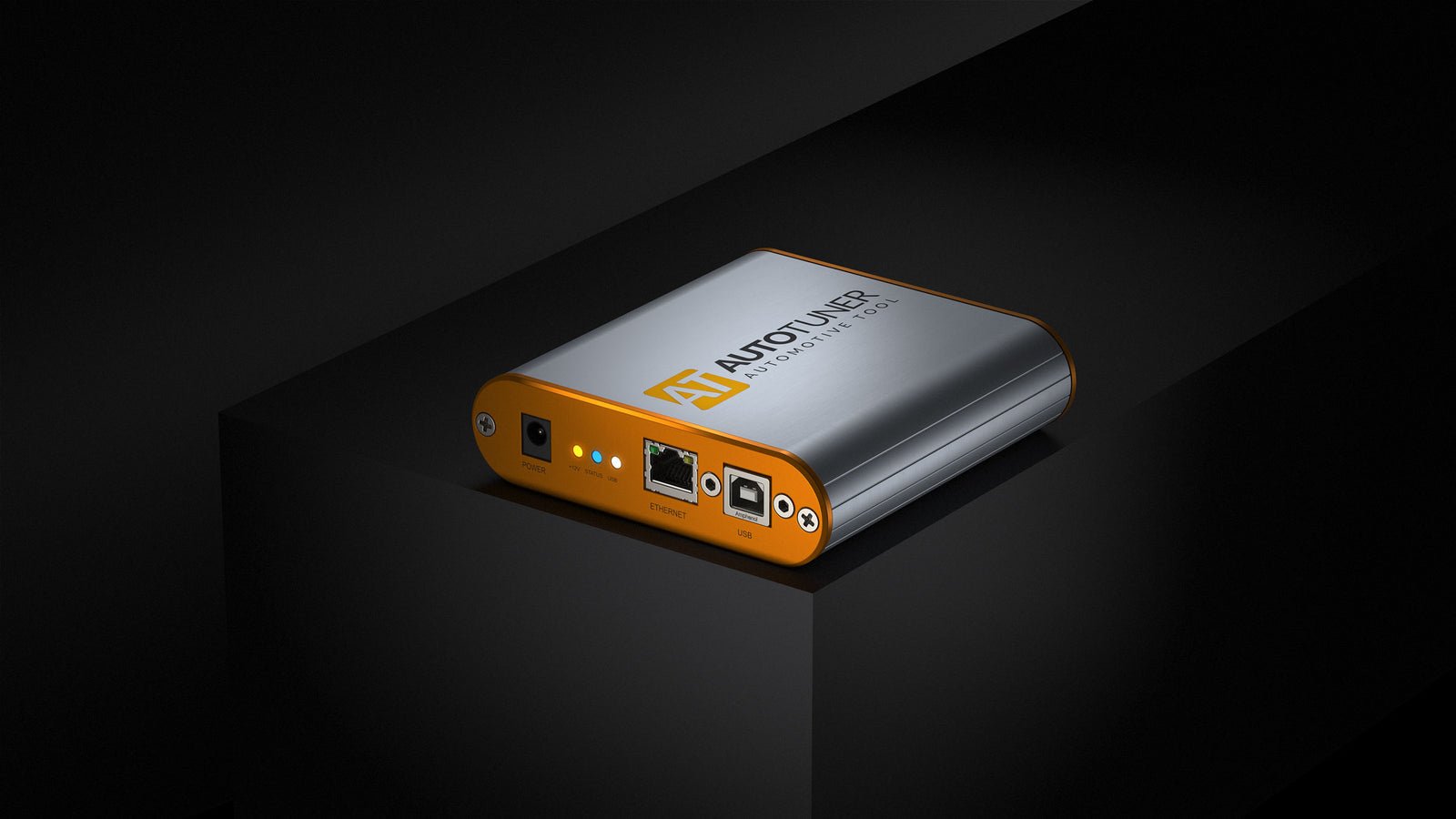
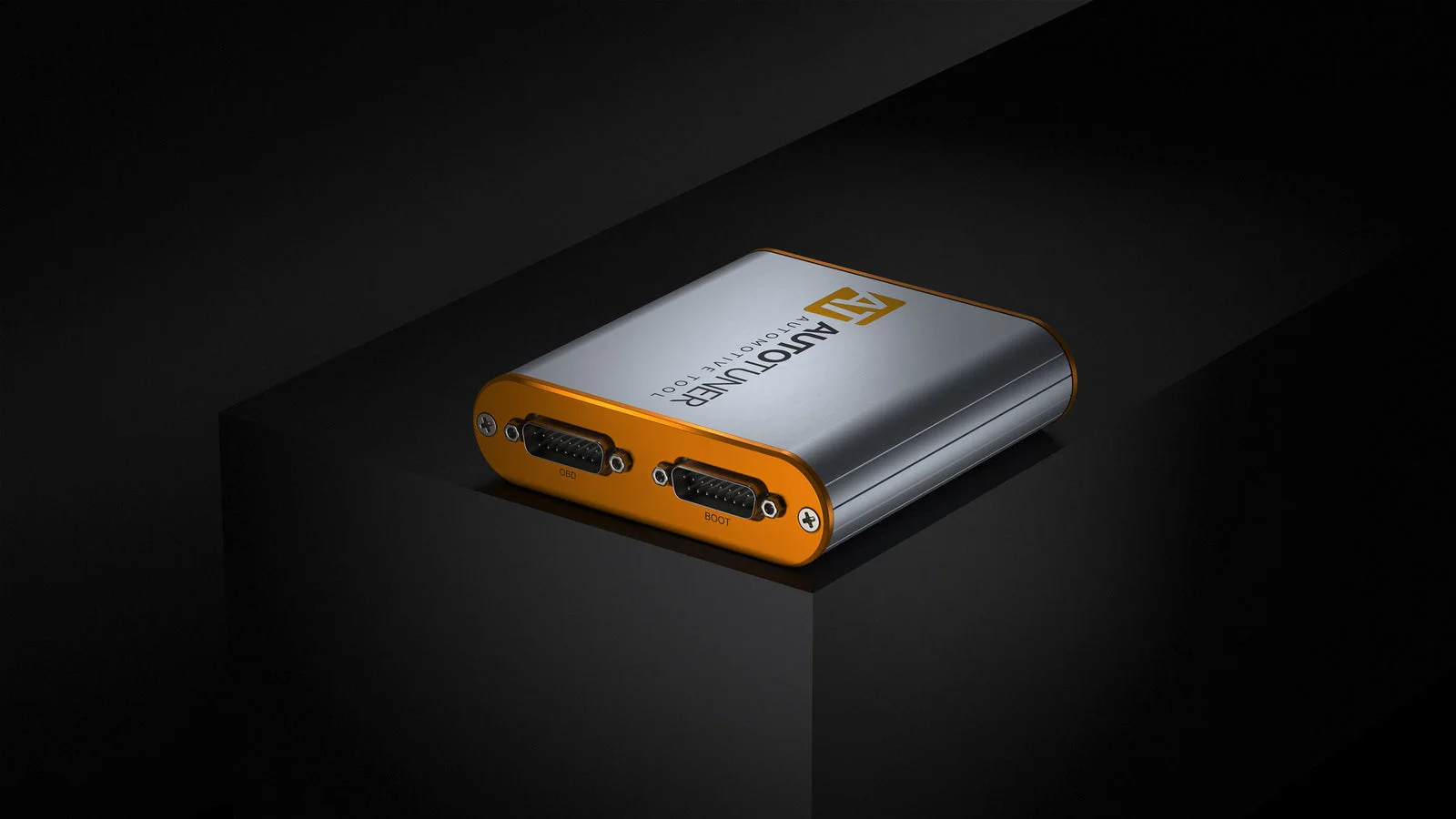
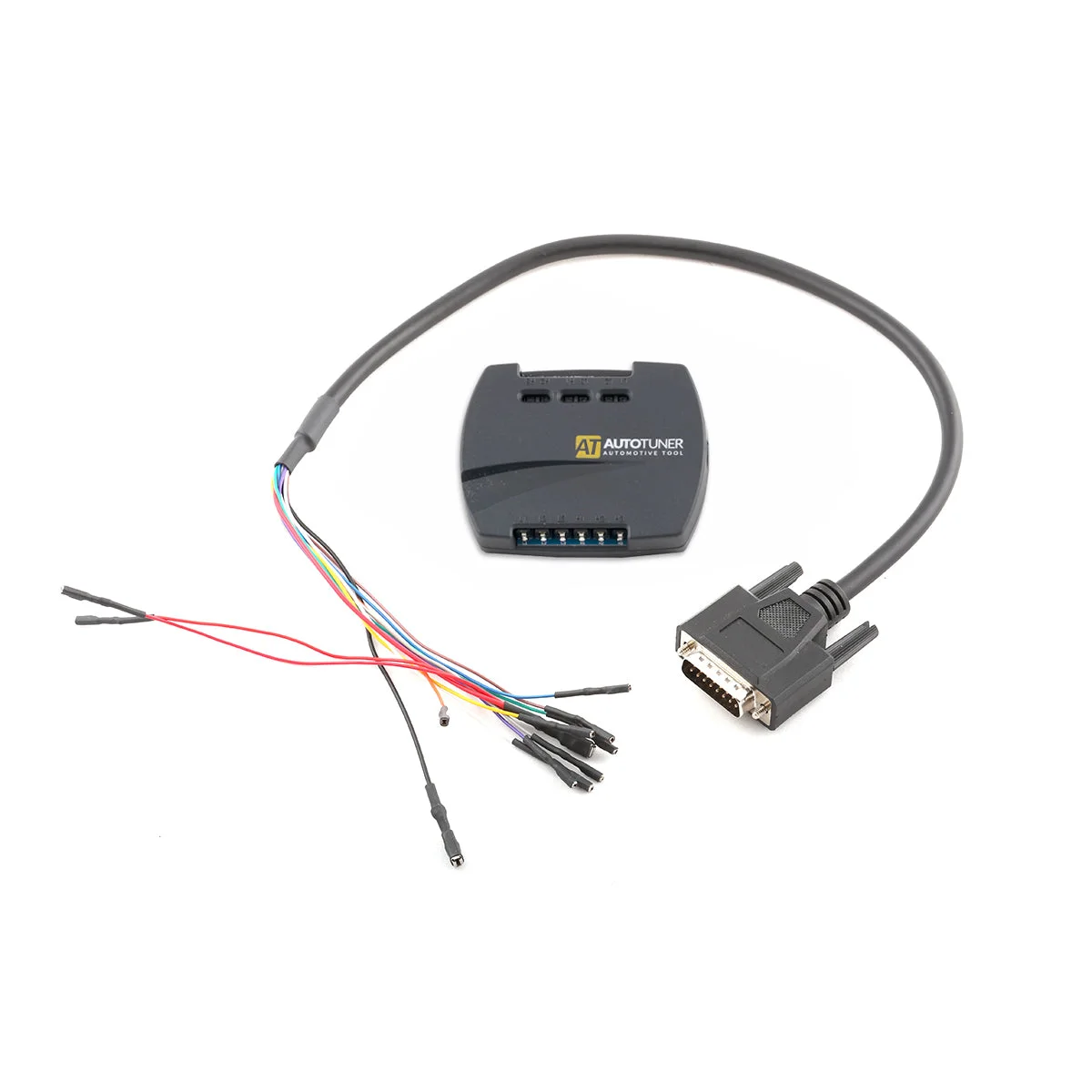
One tool for ECU and TCU programming
AutoTuner Tool gives workshops access to supported engine and transmission controllers. Identify the unit, follow the connection guide, read the relevant data and write the prepared file using the protocol available for that controller.
Check vehicle compatibilityThree ways to connect
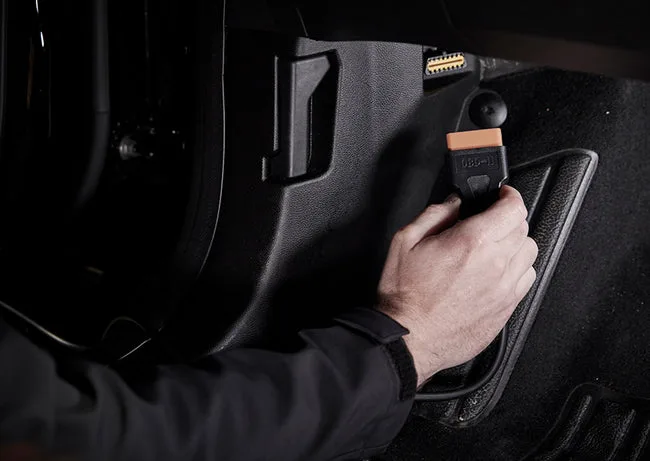
OBD
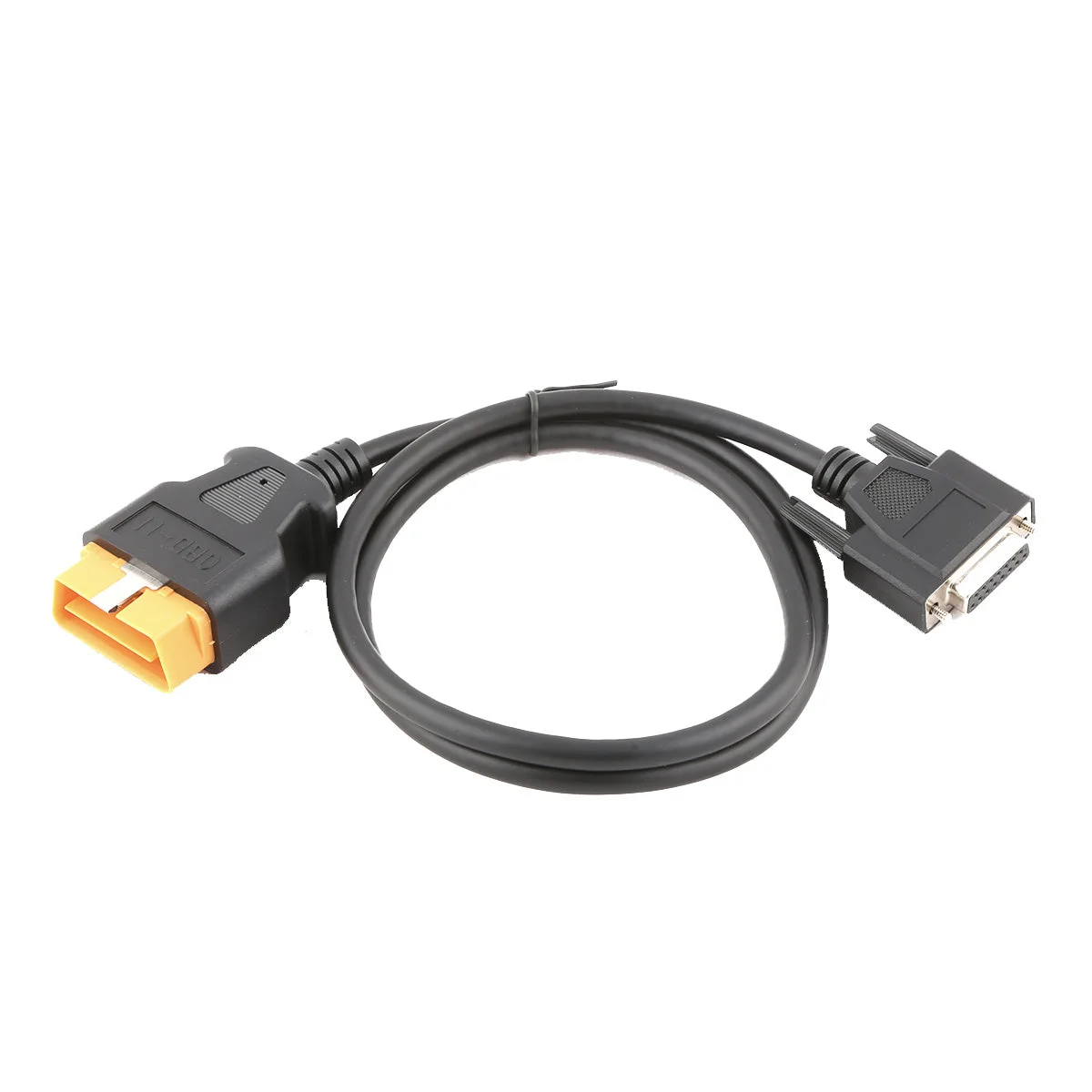
Through the diagnostic portConnect through the vehicle’s OBD-II socket. The controller stays installed and its housing stays closed. Use this method when the vehicle and controller support it.
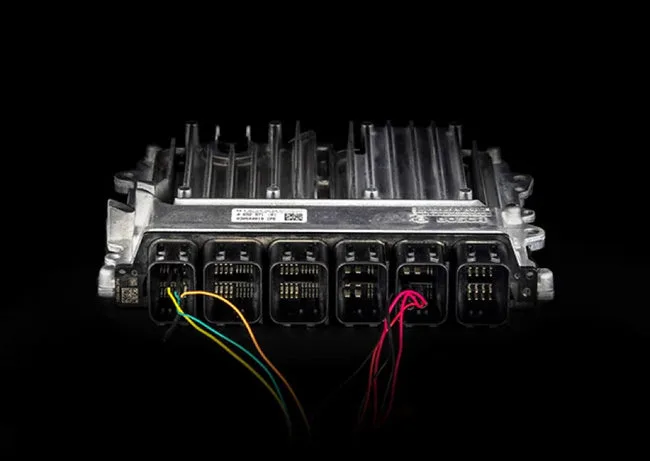
Bench
At the controller connectorRemove the unit from the vehicle and connect to its external pins on the bench. The housing stays sealed. The software shows the wiring for the selected controller.
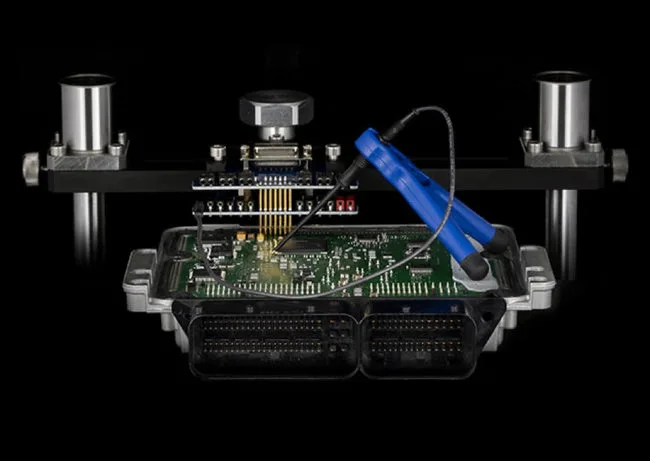
Boot
Directly at the circuit boardRemove and open the controller to reach the required points on its circuit board. This method can provide access to memory areas or backups on supported units.
The available method depends on the vehicle and the exact ECU or TCU. Some controllers require an unlock before OBD programming. Look up your engine and controller in the official compatibility list.
Master or Slave?
Slave
Work with a designated file providerThe tool reads and writes encrypted files. Your linked Master handles the calibration edits. This setup suits workshops that want to keep reading, writing and vehicle work in-house while their provider prepares the maps.
The ATF Slave package includes €500 in ATF File Service credits.
Select SlaveMaster
Control your own calibration workflowRead unencrypted files for editing in compatible binary software or send them to a provider you choose. Editing software is separate from AutoTuner. A Master can also manage files for its linked Slave tools.
Select Master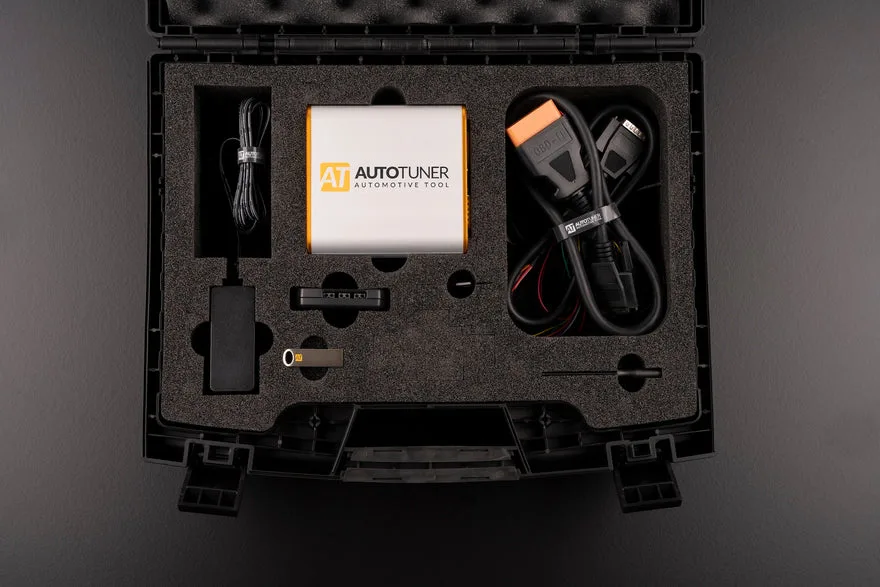
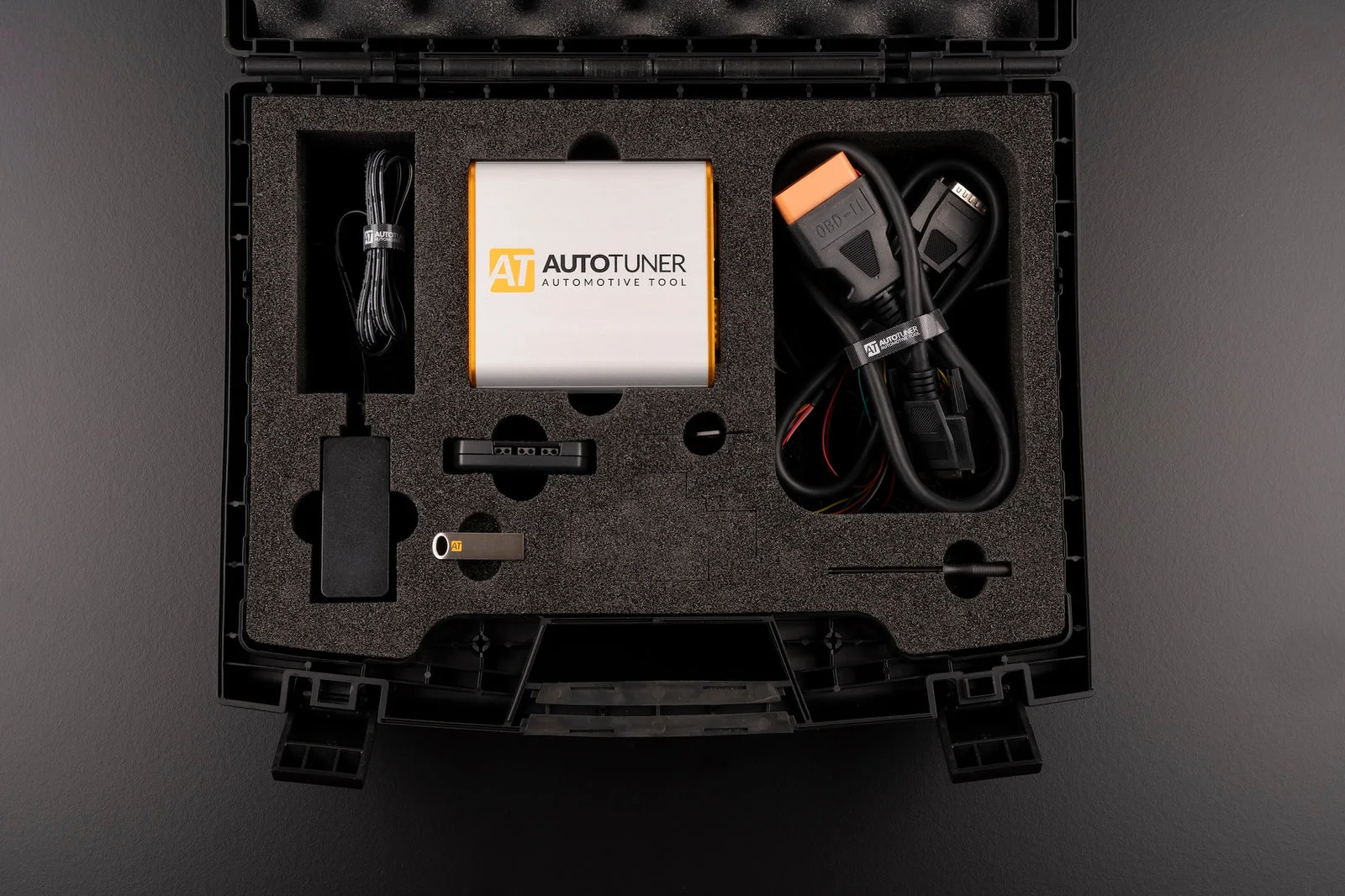
What comes in the case
- AutoTuner Tool and shock-resistant transport case
- OBD-II cable, USB cable and USB key with installer link
- Universal harness with breakout box and a separate EDC16 / ME(D)9 harness
- 12 V power adapter and banana leads
- Probe positioning kit and BGA MCU hook
What the tool can do
- Read and write
- Read the ECU or TCU data available through the chosen protocol, then write the prepared file. Depending on the protocol, AutoTuner offers a direct read or a virtual read of the matching original file.
- Checksum correction
- The software corrects checksums automatically where supported, so the controller can verify the data written to it.
- Backups and stock files
- Save the original read or a backup where the protocol allows it. To restore stock software, use a compatible original file or the restore procedure for the selected controller.
- Datalogging and DTCs
- Record supported live parameters and review them after a drive. Where the protocol offers diagnostics, you can also read and clear fault codes.
Technical specifications
- Dimensions
- 111 × 111 × 31 mm
- Tool weight
- 240 g
- Computer
- Windows 11 PC, Intel or AMD x86 processor above 2.5 GHz
- Memory and storage
- 4 GB RAM and 2 GB of free space
- Connection and display
- USB 2.0, internet at 5 Mbps or faster, 1920 × 1080 display
- Updates
- Free protocol and software updates, with no annual subscription
AutoTuner lists a five-year limited hardware warranty. See the manufacturer’s terms.
Answers before you buy
Does AutoTuner create the tuning map?
AutoTuner handles reading and programming. A compatible editor or a File Service provider prepares the calibration. Slave users send their files to their linked Master.
Can I change my Master or upgrade a Slave?
The manufacturer offers both services. Your current Master must release the tool first, and fees apply. Files and backups from the previous link may no longer work after the change.
How do I install the software?
Use the installer link supplied on the USB key or download the installer from AutoTuner. Install it on a physical Windows PC. AutoTuner excludes virtual machines from its supported setup.
How does delivery work?
Delivery is free in Bosnia and Herzegovina and Serbia. Free pickup is available in Banja Luka and Belgrade. Contact ATF about other destinations before ordering.